Open hardware · local-first smart home
Control your home with one gesture.
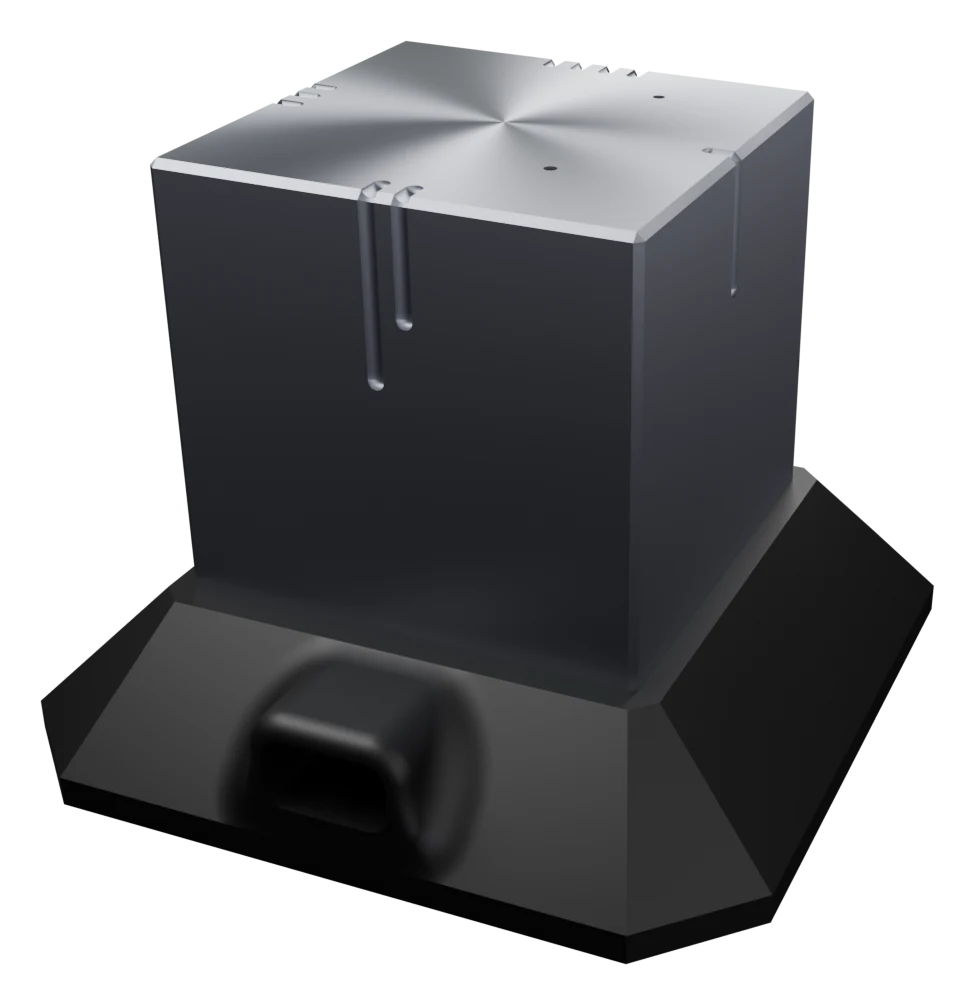
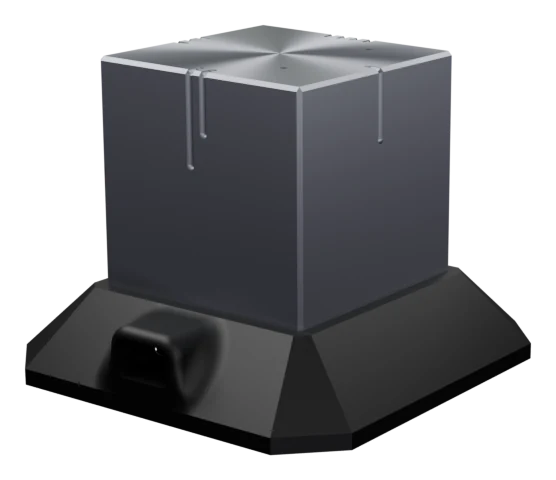
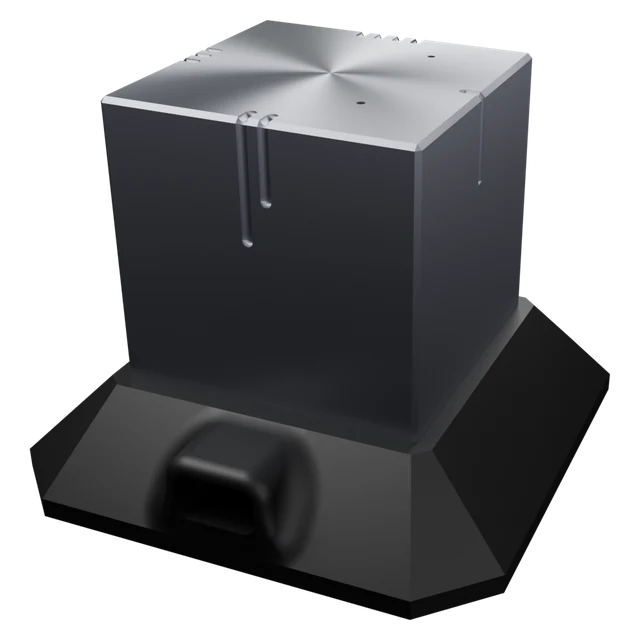
The Cube is a brushed aluminium controller for Home Assistant. Turn it, slide it, flip it. It answers with a click you can feel, and everything runs on your own network.
- No cloud, no account
- Works with Home Assistant
- Open design
- Prototyping sponsored by
- EasyEDA Spark 2026
- JLCPCB
- OSHWLab
- Built on
- Home Assistant
- ESPHome
- Espressif ESP32
- Thread
Meet the Cube
No screen, no buttons, no app. The face on top chooses what you control; your hand does the rest.
Face up picks the function
Six faces, six jobs: music, lights, blinds, climate, assistant, rest. You name them.
Turn it like a knob
Every 15° sends one step, with a haptic click. Volume, brightness, temperature.
Slide it
A short push along the table opens or closes, skips or goes back.
Shake it
One more event to bind: a scene, all off, whatever you choose.
Talk to it
Assistant face up, then ask. Microphone and speaker are built in; the dock adds wake-word listening.
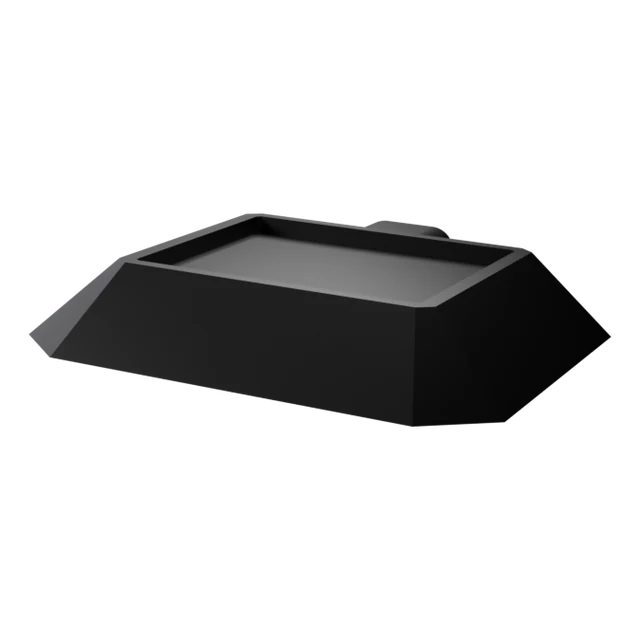
Leave it on the dock
On the dock it charges and stays awake. Off the dock it sleeps and wakes at a touch.
Interactive demo
Try it right here.
Drag the cube to turn it, flip it to change what it controls, and watch the room answer. This is a simulation of what the real Cube sends to Home Assistant.
Drag to turn · buttons for the other gestures
face_changedMusicEngineering
Inside the Cube
A machined aluminium shell around a printed frame, one board and a cell. Every part is there to make a gesture feel instant and the battery last.
- ESP32-S3Wi-Fi processor
- 6-axis motionLSM6DSV16X
- Haptic actuatorDRV2605L + Alps
- MicrophonePDM
- SpeakerI2S amplifier
- Li-ion cellcharger + fuel gauge
| Processor | ESP32-S3, Wi-Fi 2.4 GHz |
|---|---|
| Motion | LSM6DSV16X, 6-axis with on-chip sensor fusion |
| Haptics | DRV2605L driver with an Alps linear actuator |
| Audio | I2S amplifier and speaker, PDM microphone |
| Power | Li-ion cell, charger and fuel gauge; about 80 µA asleep (estimate) |
| Firmware | ESPHome, native Home Assistant API, OTA updates |
| Licence | CC BY-NC-SA 4.0 |
These are design targets. Measured battery life and gesture figures follow once the two prototypes have been through daily use.
In Home Assistant
Every gesture is one event.
The Cube shows up as an ESPHome device. Each gesture arrives as an event you can use in any automation, with the face on top as a condition.
Follow the build series# The knob is volume while the "Música" face is up - alias: Cube - music volume trigger: - platform: state entity_id: event.cubo_gesto condition: - condition: state entity_id: sensor.cubo_cara_arriba state: "Música" - condition: template value_template: > {{ trigger.to_state.attributes.event_type in ['rotate_cw', 'rotate_ccw'] }} action: - service: > {% set e = trigger.to_state.attributes.event_type %} {{ 'media_player.volume_up' if e == 'rotate_cw' else 'media_player.volume_down' }} target: entity_id: media_player.living
# event.cubo_gesto · event_type
face_changed     # a different face is on top
rotate_cw        # one 15° step, clockwise
rotate_ccw       # one 15° step, counter-clockwise
slide_x_plus     # short push along +X
slide_x_minus    # and −X, +Y, −Y …
shake            # shaken

# sensor.cubo_cara_arriba · which face is up
# sensor.cubo_bateria     · battery, %
Use cases
One cube, every room.
Each face is a function, and each function gets the gestures that suit it.
Volume under your palm
Turn for volume, slide to skip a track, and feel every step.
rotate_cw · slide_x_plusDim without looking
Turn to dim, slide to move through scenes: bright, warm, night.
rotate_ccw · slide_y_plusPush to open
Slide one way to open and the other to close. Turn for an exact position.
slide_y_plus · slide_y_minusHalf a degree per click
Turn to set the temperature. The click tells you how far you went.
rotate_cw · rotate_ccwAsk, then put it down
Assistant face up starts listening. The answer comes from the Cube itself.
face_changedShake for goodnight
One shake can turn everything off, or run any scene you bind to it.
shakeHardware
HELUX products
Classroom swarm robots
Robotics kit · in developmentRead moreThread multisensor dimmer
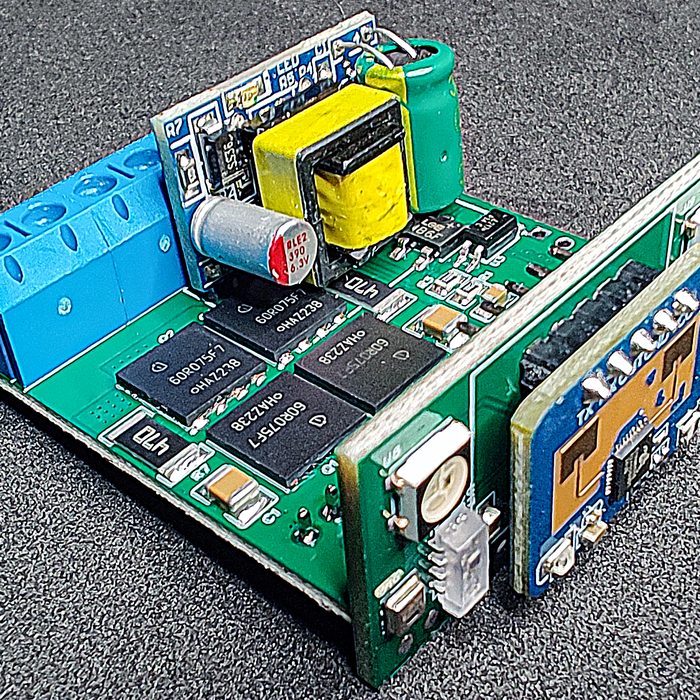
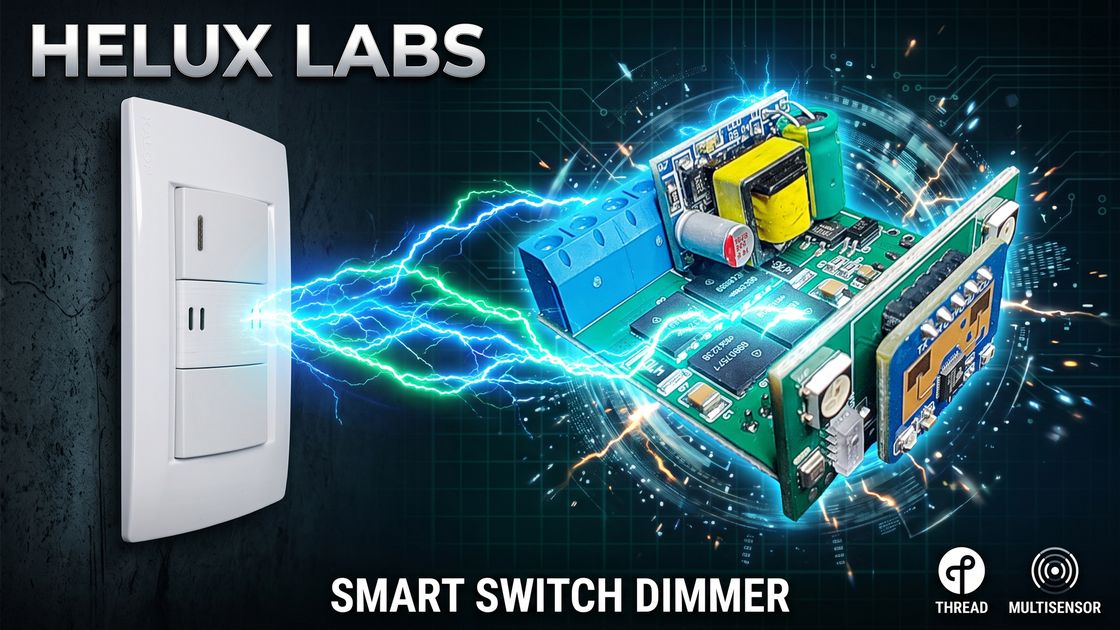
A two-channel LED dimmer, a presence radar and a climate sensor that fit behind a standard blank wall plate. No changes to the wall box.
 2:06 · Watch the tour
| Processor | ESP32-C6 (RISC-V) |
|---|---|
| Network | Thread (802.15.4), Matter-ready, Wi-Fi 6 |
| Size | 40 × 20 × 38 mm |
| Mains input | 100–240 V AC, 50/60 Hz |
| Dimming | Trailing-edge, MOSFETs in anti-series, 2 channels |
| Rated load | 150–200 W per channel, dimmable LED loads |
| Presence | 24 GHz mmWave radar, works through the plate |
| Environment | AHT20 temperature and humidity, VEML7700 light |
| Indicators | 2 × WS2812B RGB |
| Standby | 1.0–1.2 W (calculated) |
| Cost to reproduce | About US$30 |
This is a mains-voltage design. Build or install it only if you are qualified to work on AC wiring.
Classroom swarm robots
A robotics kit for kindergarten and primary school: small robots, a beacon and a charging dock, with a printed activity book and an app. The boards are designed; enclosures and classroom trials come next.
Open hardware
What open means here
Published designs
Schematics, board layouts and bills of materials are on OSHWLab, ready to open in EasyEDA.
Firmware you can read
ESPHome YAML and C++ components. Change a threshold, rename a face, flash it over the air.
Local by default
Devices talk to Home Assistant on your network. No cloud account, no subscription.
Share-alike licence
CC BY-NC-SA 4.0: study it, build it, modify it for yourself. Ask before selling it.
Academy · in Spanish
A complete home automation course, free.
131 lessons from a university diploma programme, published in full on YouTube. From installing Home Assistant to programming the house in Python.
Foundations
Home Assistant and its mobile app, ESPHome devices, sensors, Bluetooth, NFC, first automations.
Interfaces and logic
Dashboards and Jinja templates, helpers, scripts, the automation editor, Node-RED.
Programming the house
AppDaemon apps, events and triggers, adaptive lighting, wake-up routines, presence simulation.
Custom design
Your device, designed to order.
Besides our own products, HELUX LABS designs hardware for companies and makers: from the first idea to boards, firmware and enclosures ready for a production run.
30+years designing hardware
Tell us about your projectElectronics
Schematic and PCB design: microcontrollers, sensors, power stages, battery charging and mains voltage.
Firmware
ESP32 firmware in ESP-IDF or ESPHome: Wi-Fi, Bluetooth, Thread, low power and over-the-air updates.
Enclosures and mechanics
CNC-machined aluminium, 3D-printed parts and moulds, designed together with the board.
Smart home integration
Devices that join Home Assistant from day one, and complete home automation installations.
Brief
You tell us what the device must do, where it will live and how many you need.
Design
Schematic, board, firmware and enclosure, reviewed with you at each stage.
Prototype
Assembled, tested units in your hands.
Hand-over
Files, documentation and support through the production run.
FAQ
Questions, answered.
Do I need the cloud or an account?
No. The Cube talks to Home Assistant over your Wi-Fi through the ESPHome API. Nothing leaves your network.
What do I need to use it?
Home Assistant with the ESPHome integration and a 2.4 GHz Wi-Fi network.
Can I buy one today?
Not yet. Two functional prototypes are being tested in November 2026. The build series on YouTube shows every step, and the first batch will be announced there.
How long does the battery last?
The design estimate is about 80 µA asleep, which points to months between charges in normal use. Measured figures will be published once the prototypes have been used daily.
Is it really open?
The dimmer is on OSHWLab today and the Cube files go up with the build series, both under CC BY-NC-SA 4.0. You can study, build and modify them for your own use. Commercial use needs permission.
Can I build the dimmer myself?
Yes, if you are qualified to work on mains wiring. The schematics, boards and bill of materials are on OSHWLab, and one unit costs about US$30 to reproduce.
Follow HELUX LABS
From prototype to product, in the open.
Every step of the Cube is published: the boards, the machining, the firmware and the first days of use. For custom electronics or a Home Assistant installation, get in touch through the channel.